
Knowledge Base
Archived guides for navigating the CRAW experience.
How to Log Miles
Participants logged their miles directly into the RunSignUp System. While the live race has concluded, these instructions serve as a record of the process.
- Access Participant Search: Click on "Find a Participant" on the official RunSignUp page.
- Athlete Lookup: Search by Name or Email Address and select "Lookup Registration."
- Profile Access: From your profile page, click on Log Activities.
- Data Entry: Enter your Activity type, Date, Distance, and optional comments.
- Conversion: Real-time conversion between KM and Miles was available directly in the entry field.
- Confirmation: Upon submission, the Summary Page displayed 'Total Distance Logged' and individual activity history.
Note: All historical mileage is permanently archived and viewable on the RunSignUp Results page.
Tracking Your Team
To see how your team was performing against the rest of the world, you followed these steps:
- Navigate to the Results page.
- Use the search filter specifically for "Team Results" to group all members together.
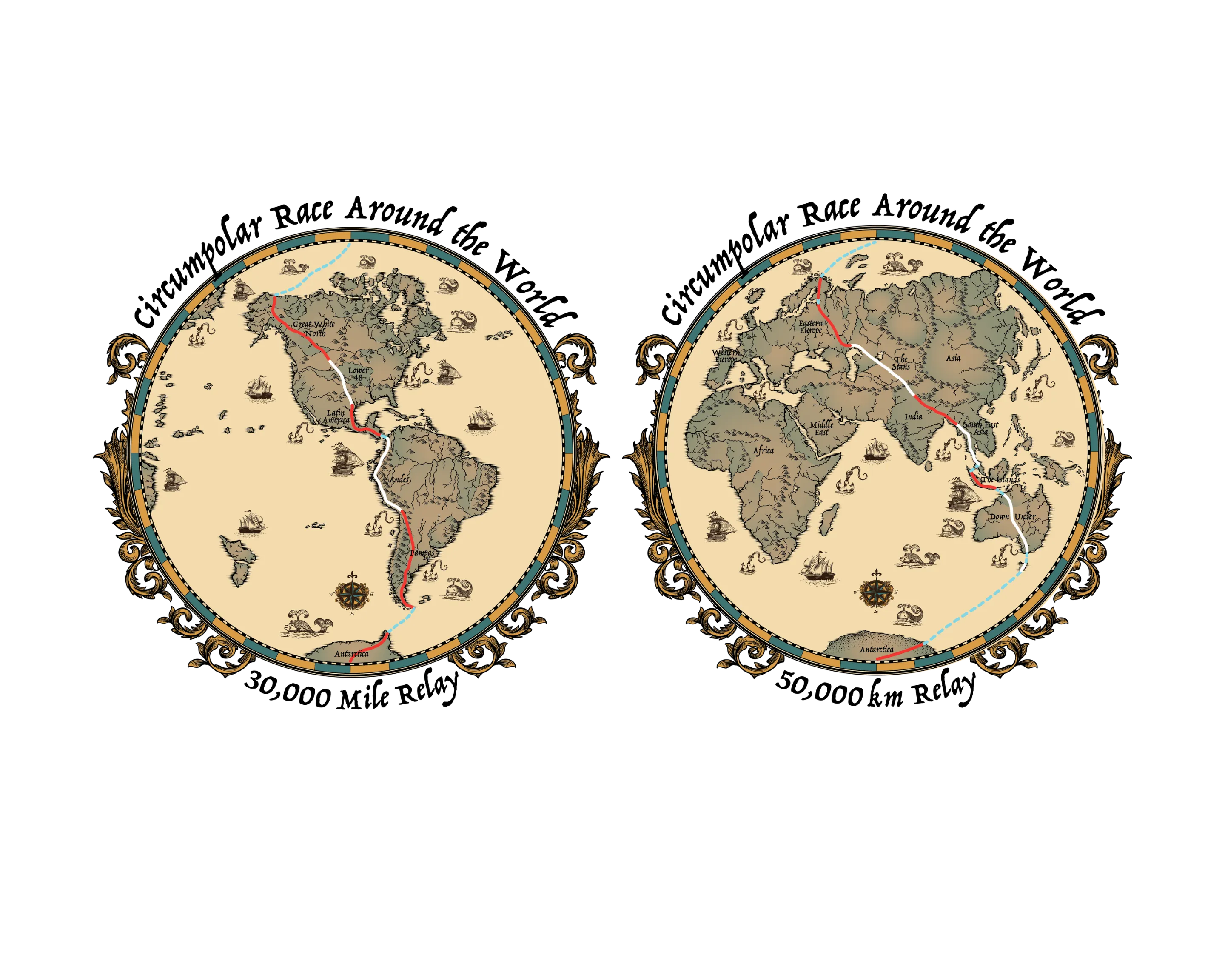
- The platform displayed a real-time progress map showing exactly which region of the world your team was currently traverse.
Your Digital BIB
Every registrant received a customizable Digital BIB to commemorate their journey. You can still access yours through your RunSignUp Profile:
- Sign in to RunSignUp.
- Go to "Profile" and scroll to "Upcoming Events" or "Past Events."
- Click on the Digital BIB button to download or share your race number.
CRAW Passport Photos
The CRAW Passport was a central hub for your global adventure. Personalizing it with a photo was a key part of the experience:
- Access your Passport through the provided race link.
- Upload a headshot or action photo.
- The image was automatically cropped and integrated into your "World Traveler" credential.
Bonus Regions & Specific Routes
As teams completed the main 30,000-mile circuit, bonus regions were unlocked to keep the momentum going.
Signing up for these regions was managed through the "Add-On" section of your registration profile, allowing veteran teams to explore parts of the globe not covered in the primary 12 regions.